
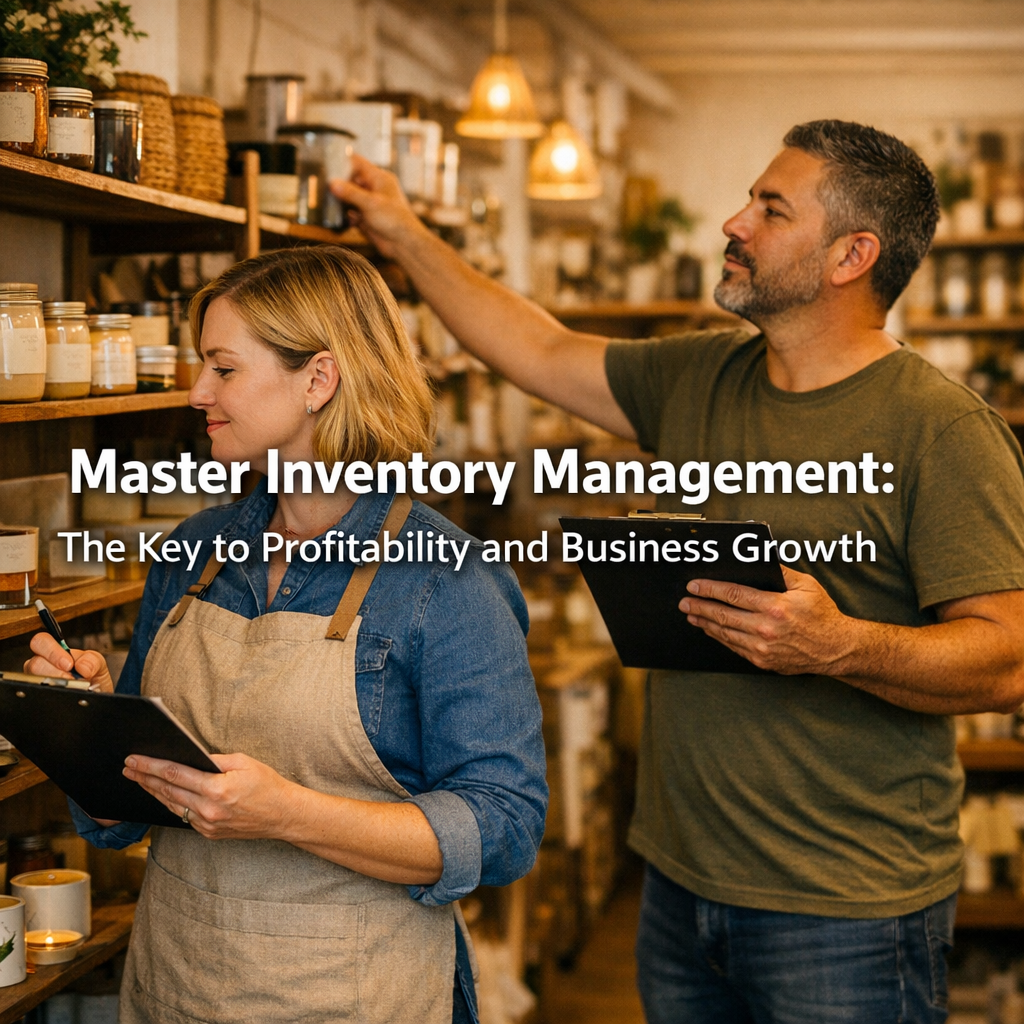
Inventory management is one of the most overlooked drivers of profitability in a small business. However, whether you sell physical products or provide services, the way you track, value, and manage inventory directly affects your cash flow, bookkeeping accuracy, and long-term growth. When inventory management is done poorly, profits quietly disappear. When it’s done right, businesses gain clarity, control, and confidence.
Let’s break down why inventory management matters, how it impacts your books, and how to handle it properly in QuickBooks Online.
What Counts as Inventory in a Small Business?
Inventory is not limited to retail shelves and warehouses. In reality, many service-based businesses carry inventory without realizing it. Understanding what qualifies as inventory is the first step toward managing it correctly.
For product-based businesses, inventory includes items purchased for resale such as retail goods, wholesale products, or e-commerce merchandise.
Meanwhile, service businesses often have inventory hiding in plain sight. Restaurants and bars manage food, alcohol, and supplies. Hair salons track color, styling products, and retail items. Contractors and trades rely on materials and parts used in client jobs. If it’s purchased, stored, and used to generate income, it likely counts as inventory.
Why Inventory Management Is Critical for Small Businesses
Effective inventory management protects your profits and your cash flow. Without it, businesses often overbuy, waste products, or tie up money in items that sit unused.
Additionally, poor inventory management creates “phantom profits.” Sales may look strong, but once inventory costs are accounted for, margins shrink fast. This is especially common when inventory purchases are mistakenly recorded as expenses.
Just as important, accurate inventory records support proper pricing, reduce losses from spoilage or shrinkage, and ensure tax filings are correct. According to the IRS, inventory must be properly tracked to calculate Cost of Goods Sold accurately, which directly affects taxable income. See COGS / Inventory Assets
How Inventory Management Impacts Bookkeeping
Inventory management and bookkeeping are inseparable. Every inventory-related transaction affects your financial reports.
When inventory is purchased, it should be recorded as an asset, not an expense. When items are sold or used, their cost moves to Cost of Goods Sold (COGS). This process ensures your profit and loss statement reflects reality instead of guesswork.
Without accurate inventory tracking, financial statements become unreliable. Gross profit looks inflated, expenses are misstated, and decision-making suffers. In short, bad inventory data equals bad financial decisions.
Inventory Methods: Periodic vs. Perpetual
Most small businesses use one of two inventory management methods.
The periodic method updates inventory based on physical counts taken at set intervals. While simple, it leaves room for discrepancies, surprise shortages, and inaccurate financial reporting between counts.
The perpetual method updates inventory automatically with each sale or adjustment. QuickBooks Online uses this method, as do many integrated external POS systems. When inventory is sold through QuickBooks or synced from an outside POS, inventory levels and Cost of Goods Sold update in real time. This approach provides better visibility, stronger controls, and far more accurate financial data, especially for businesses planning to grow.
Setting Up Inventory Management in QuickBooks Online
QuickBooks Online allows businesses to track inventory seamlessly when set up correctly. Inventory tracking must first be enabled in settings. From there, inventory items are created and linked to the appropriate income, COGS, and inventory asset accounts.
Once configured, QuickBooks handles the behind-the-scenes accounting automatically. When inventory is sold, QuickBooks reduces the inventory asset and records COGS accurately. This automation reduces errors and keeps your books clean.
QuickBooks also provides inventory reports that help business owners monitor stock levels, sales trends, and profitability. See Inventory Tracking Software for Small Businesses | QuickBooks.
Using QuickBooks Online as a POS System
For some small businesses, QuickBooks Online can function as a basic point-of-sale system. Sales receipts and invoices can be created directly in QuickBooks, allowing inventory to update automatically.
This setup works best for simple operations with limited products or services. However, it may not be ideal for high-volume retail, restaurants, or businesses with complex sales workflows. Knowing when QuickBooks works as a POS and when it does not helps avoid future headaches.
Importing Inventory from an Outside POS System
Many businesses use external POS systems that integrate with QuickBooks Online. When integrations are set up correctly, sales and inventory data sync automatically.
However, issues often arise from duplicate items, incorrect account mapping, or timing mismatches between sales and inventory updates. Therefore, regular reconciliation between the POS system and QuickBooks is essential to ensure inventory management remains accurate.
Ignoring this step can lead to mismatched numbers, unreliable financial reports, and tax-time surprises no one enjoys.
Inventory Management Best Practices
Strong inventory management relies on consistency. Physical inventory counts should be performed regularly, not just at year-end. Inventory reports should be reviewed monthly to identify trends and address issues early.
Setting reorder points prevents stockouts and overbuying. Additionally, inventory shrinkage, spoilage, and damage should be adjusted promptly so records stay accurate. Most importantly, inventory decisions should be driven by data, not gut feelings.
Common Inventory Mistakes to Avoid
One of the most common mistakes is expensing inventory purchases instead of recording them as assets. Another is failing to track inventory used in service-based businesses.
Additionally, many owners rely solely on POS numbers without verifying them against bookkeeping records. This disconnect leads to reporting errors, inaccurate profit margins, and tax complications.
Inventory management is not something to “fix later.” The longer it’s ignored, the more expensive it becomes to correct.
Master Inventory Management for Long-Term Growth
Inventory management is more than tracking products. It is a financial control system that protects profits, improves cash flow, and supports sustainable business growth. When inventory is managed properly, business owners gain clarity instead of confusion.
If your inventory numbers don’t match your books or your profits don’t make sense, it’s time for expert support. NYA Solutions LLC helps small businesses implement, clean up, and manage inventory systems in QuickBooks Online, including POS integrations. Reach out today to turn inventory into a growth tool instead of a profit leak.
Because your money should work for you, not quietly disappear.
